
OCR Automation & Intelligent Document Processing Guide 2026
By XtractSol Team
• 10 min read • Updated
Organizations across real estate, title, finance, healthcare, and other document-intensive industries still spend countless hours manually processing invoices, contracts, forms, and other business documents. Traditional document handling is often slow, repetitive, and prone to human error, making it difficult to keep up with growing document volumes and increasing operational demands.
Modern OCR automation combines Optical Character Recognition (OCR) with AI and document intelligence to convert scanned and digital documents into structured, searchable data. As explained by Microsoft Azure AI Document Intelligence, modern document processing goes beyond text recognition by extracting key-value pairs, tables, and document structure from business documents.
In this article, we'll explore how OCR automation works, where it delivers the greatest business value, how it differs from traditional OCR, and how organizations can use it to streamline document-intensive workflows. We'll also share practical examples from XtractSol's work in title and real estate automation.
Table of Contents
- What is OCR Automation and Why Does it Matter Today?
- How Does Intelligent OCR Differ from Traditional OCR?
- Which Document Workflows Benefit Most from OCR Automation?
- What Are the Key Challenges in OCR Automation?
- How Does OCR Automation Integrate with ERP and Other Systems?
- What Are the Pros and Cons of OCR Automation Compared to Manual Processes?
- How Do You Implement OCR Automation Effectively?
- Conclusion
- Accelerate Your Document Intelligence with OCR Automation
- FAQ
What Is OCR Automation and Why Does It Matter Today?
OCR automation combines Optical Character Recognition (OCR) with AI to convert scanned or digital documents into structured, machine-readable data. Unlike traditional OCR, which primarily captures text, modern OCR automation can identify document layouts, extract key fields, recognize tables and forms, and prepare information for downstream business processes.
According to Google Cloud Document AI, AI-powered document processing enables organizations to classify documents, extract structured data, and automate business workflows, helping reduce manual document handling.
This capability is particularly valuable for industries such as title, real estate, finance, healthcare, and insurance, where large volumes of contracts, forms, invoices, and property records must be processed every day. By reducing manual data entry and converting documents into structured, searchable information, OCR automation helps organizations improve efficiency, support more consistent document processing, and make document data available for downstream systems and workflows.
How Does Intelligent OCR Differ from Traditional OCR?
Traditional OCR is designed to recognize printed or handwritten text and convert it into machine-readable characters. While this makes scanned documents searchable, the extracted text often requires additional processing or manual review to identify important fields, classify document types, and organize information into structured formats.
Intelligent OCR builds on traditional OCR by combining it with AI and machine learning. Instead of only recognizing text, it can understand document layouts, identify key-value pairs, extract tables, classify document types, and capture important business information such as names, dates, addresses, invoice totals, or contract terms.
According to Amazon Textract, intelligent document processing can automatically extract printed text, forms, and tables from documents, reducing the need for manual data entry and enabling organizations to automate document-centric workflows.
By producing structured, machine-readable data instead of raw text alone, intelligent OCR provides a strong foundation for intelligent document processing, workflow automation, compliance validation, and enterprise search across a wide range of document types.
Which Document Workflows Benefit Most from OCR Automation?
OCR automation delivers the greatest value in document-intensive workflows where information must be extracted accurately, validated, and passed to downstream systems. Common use cases include:
- Contract processing: Extracting key information such as parties, dates, financial terms, and obligations from contracts to reduce manual review.
- Title and escrow operations: Processing purchase contracts, deeds, title commitments, mortgage documents, and other property records to improve workflow efficiency and reduce manual data entry.
- Invoice and accounts payable processing: Capturing invoice numbers, vendor information, payment amounts, and due dates to support finance and accounting workflows.
- Document classification and routing: Automatically identifying document types and routing them to the appropriate teams, systems, or approval workflows.
- Digital document management: Converting scanned documents into structured, searchable data that can be reused across business applications.
As explained by ABBYY, modern OCR combines text recognition with AI-powered document classification, table extraction, and key-value pair extraction, allowing organizations to automate document-centric workflows rather than simply digitizing text. :
At XtractSol, we've applied these capabilities to real estate and title operations. Our Automated Chain of Title Verification case study demonstrates how document automation streamlines the review of historical property records, helping teams process large document sets more efficiently while producing structured information for downstream workflows.
What Are the Key Challenges in OCR Automation?
While OCR automation has advanced significantly, organizations should consider several implementation challenges:
- Document quality: Poor-quality scans, handwritten content, blurred images, or low-resolution files can reduce text recognition and extraction accuracy.
- Document variability: Different layouts, templates, and document formats may require additional configuration or AI model training to ensure reliable data extraction.
- System integration: Connecting OCR outputs with ERP, CRM, document management, or other business systems may require API integration and workflow customization.
- Human oversight: Some documents containing complex layouts, ambiguous information, or handwritten annotations may still require manual validation.
- Ongoing optimization: As document formats and business requirements evolve, extraction rules and AI models should be reviewed and updated to maintain consistent performance.
How Does OCR Automation Integrate with ERP and Other Systems?
OCR automation delivers the greatest value when it is integrated with the business systems organizations already use. Rather than acting as a standalone tool, modern OCR solutions extract structured data and transfer it directly to downstream applications, reducing manual data entry and improving workflow efficiency.
Common integration scenarios include:
- ERP integration: Automatically transferring extracted invoice, purchase order, or financial data into ERP systems.
- Document management systems: Indexing documents with searchable metadata for faster retrieval and records management.
- CRM and business applications: Populating customer, property, or transaction information through APIs.
- Workflow automation: Triggering approvals, notifications, compliance checks, or other business processes based on extracted document data.
As explained by DocuWare, integrating intelligent document processing with enterprise applications helps organizations automate document workflows and improve access to business information across departments.
At XtractSol, we apply this approach to title and real estate operations. Our Title Commitment Generation case study demonstrates how AI-powered document processing and API integrations help automate document assembly while maintaining consistency across title workflows.
What Are the Pros and Cons of OCR Automation Compared to Manual Processes?
Manual Processing vs. OCR Automation
| Aspect | Manual Processing | OCR Automation |
|---|---|---|
| Processing speed | Manual and time-intensive | Automates text extraction and document processing |
| Accuracy | Can be affected by manual data entry errors | Improves consistency by extracting data automatically |
| Scalability | Limited by available staff and processing capacity | Handles larger document volumes more efficiently |
| Data usability | Information often remains in unstructured documents | Produces structured, searchable data for downstream systems |
| Traceability | Manual documentation and verification | Supports searchable records and automated workflows |
| Integration | Requires manual transfer of information between systems | Connects with ERP, CRM, document management, and workflow platforms through APIs |
Pros
- Reduces repetitive manual data entry.
- Improves consistency across document processing workflows.
- Produces structured data that can be reused in downstream business systems.
- Supports document classification and automated workflow routing.
- Improves searchability and accessibility of business documents.
- Integrates with ERP, CRM, document management, and workflow automation platforms.
- Helps organizations digitize paper-based and document-intensive processes.
Cons
- Initial implementation requires planning, configuration, and system integration.
- Poor-quality scans or inconsistent document formats can affect extraction accuracy.
- Some document types may require AI model training or workflow customization.
- Human review may still be needed for exceptions or complex documents.
- User training and change management are important for successful adoption.
- Costs vary depending on document volume, deployment model, and customization requirements.
- Legacy systems may require additional integration work to support automated workflows.
How Do You Implement OCR Automation Effectively?
Organizations typically achieve the best results from OCR automation by following a structured implementation approach rather than treating OCR as a standalone technology.
Implementation best practices include:
- Start with high-quality documents: Clear scans, consistent formatting, and proper image resolution improve text recognition and data extraction.
- Choose an AI-powered OCR solution: Modern OCR platforms can process a variety of document types, identify key fields, and adapt to different layouts with minimal manual configuration.
- Define business rules and exception handling: Combine automated extraction with human review for documents that require validation or contain exceptions.
- Integrate with existing systems: Connect OCR workflows with ERP, CRM, document management, or other business applications through APIs to eliminate repetitive data entry.
- Monitor and optimize performance: Regularly review extraction accuracy, processing times, and workflow outcomes, refining models and business rules as document types evolve.
- Prepare teams for adoption: Provide user training and establish governance processes so employees understand when automated results should be reviewed or approved.
At XtractSol, we apply these principles to document-intensive title and real estate workflows. Our Automated Property Title Search Aggregation case study demonstrates how AI-powered document processing and workflow automation can streamline the collection and organization of information from multiple sources, reducing manual effort while improving consistency across title operations.
Conclusion
OCR automation has evolved beyond basic text recognition into a core component of intelligent document processing. By combining OCR with AI, organizations can extract structured data from business documents, automate repetitive tasks, and improve the flow of information across business systems.
For document-intensive industries such as real estate, title, finance, healthcare, and legal services, OCR automation helps reduce manual document handling, improve data consistency, and support more efficient workflows. When integrated with existing business applications and supported by appropriate human oversight, it provides a practical foundation for digital document management and workflow automation.
As AI and document intelligence continue to advance, OCR automation will play an increasingly important role in helping organizations process growing document volumes while making business information more accessible, searchable, and reusable.
FAQ
A: OCR automation converts scanned or digital documents into structured, machine-readable data, helping organizations automate document processing, data extraction, and business workflows.
A: Traditional OCR primarily converts images into text. Intelligent OCR combines OCR with AI to identify document layouts, extract key fields, classify document types, and prepare structured data for downstream business processes.
A: Many modern AI-powered OCR solutions can recognize handwritten text, although accuracy depends on handwriting quality, document condition, and the specific OCR technology being used. Human review may still be required for critical documents.
A: Most OCR platforms provide APIs that allow extracted data to be integrated with ERP, CRM, document management, workflow automation, and other enterprise systems.
A: OCR automation is widely used in real estate, title and escrow, finance, banking, healthcare, insurance, legal services, logistics, and other industries that process large volumes of documents.
See where AI fits in your title workflow.
Stay Updated
Get the latest insights on AI and automation delivered to your inbox.
See where AI fits in your title workflow.
Stay Updated
Get the latest insights on AI and automation delivered to your inbox.
More posts
Product notes, how we build, and what we are learning.
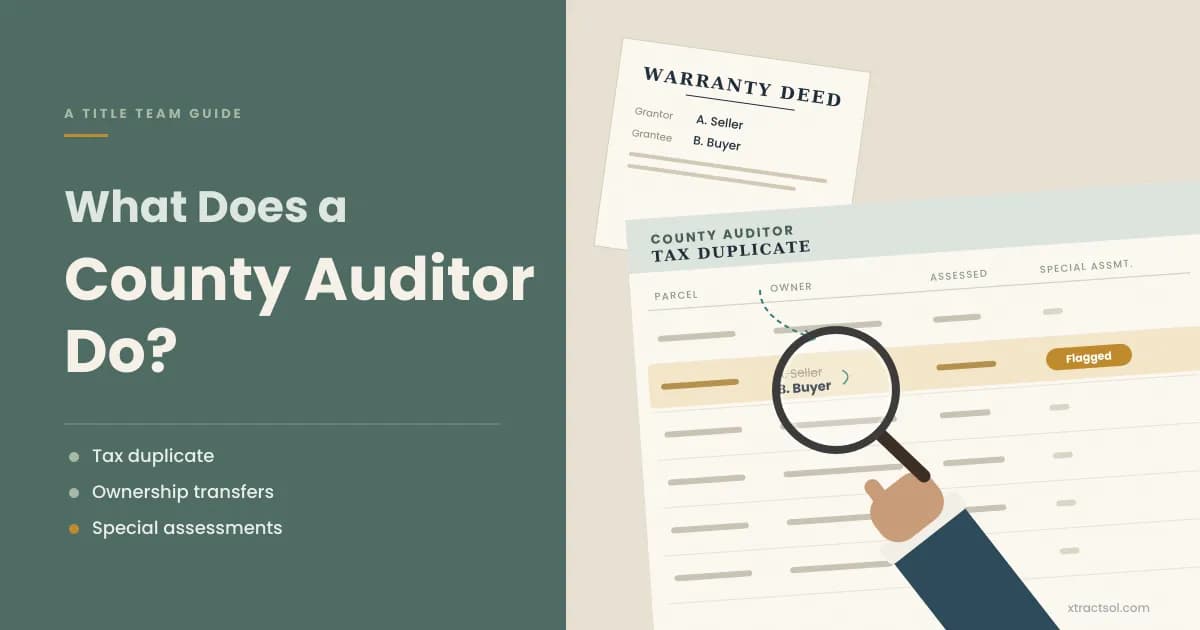
Title Search
What Does a County Auditor Do? A Guide for Title Teams
What does a county auditor do in real estate? Learn how auditor and assessor duties differ, and how title teams verify transfers, prorations, and assessments.
Read more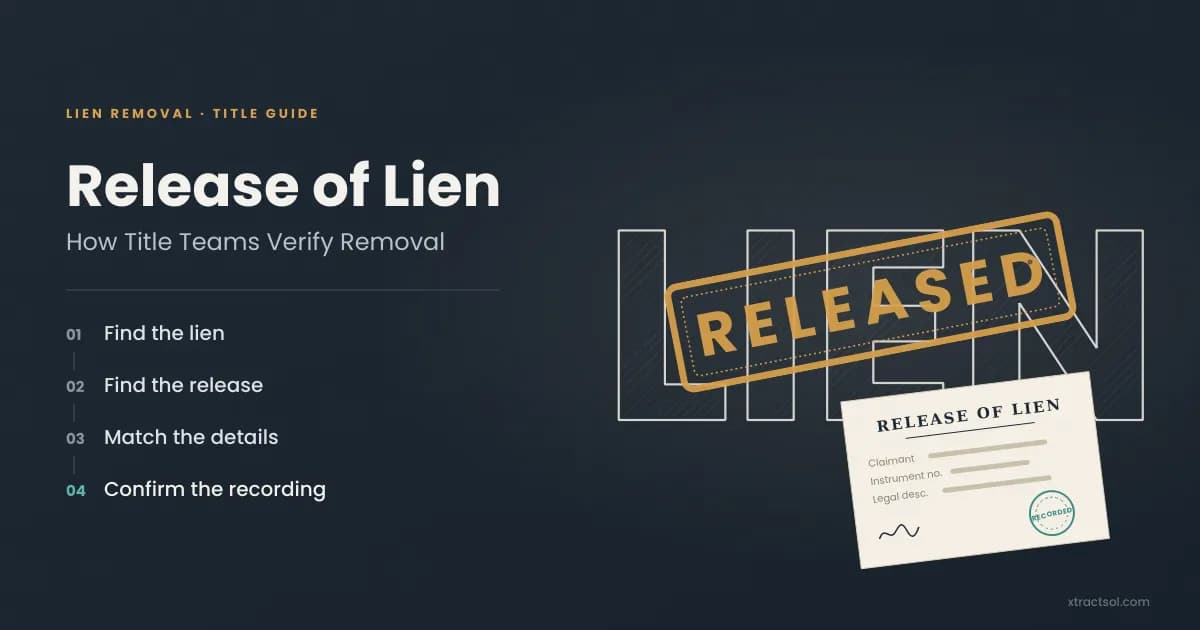
Title Search
Release of Lien: How Title Teams Verify Removal
Discover how title teams verify a release of lien to clear phantom liens and prevent closing delays. See how a lien waiver differs from a recorded release.
Read more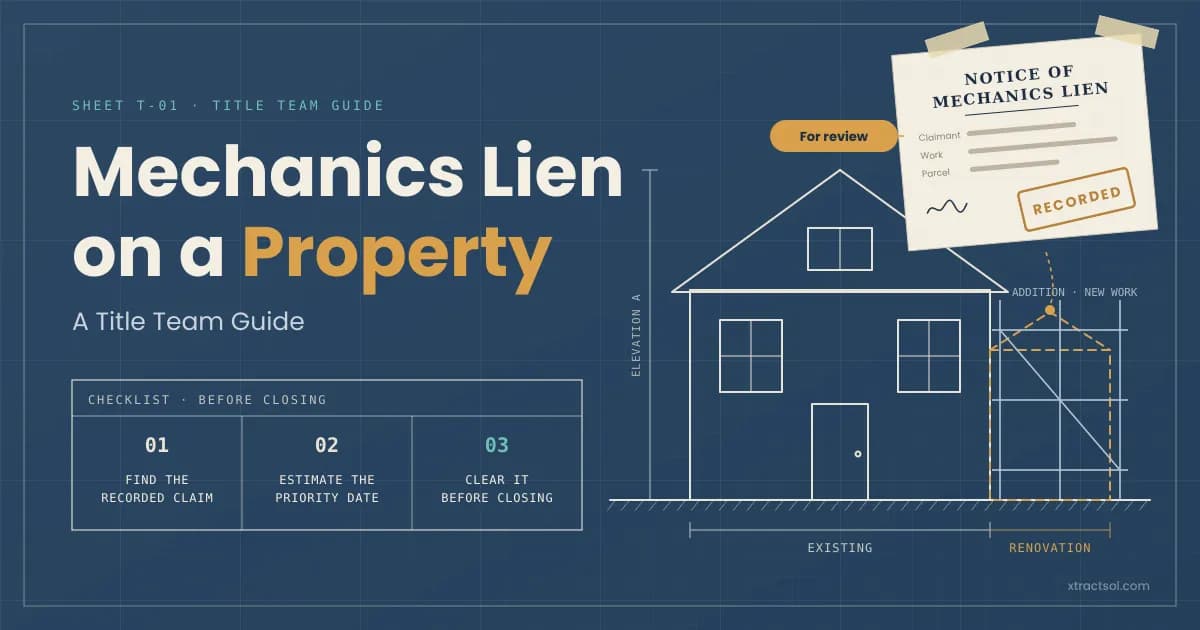
Title Search
Mechanics Lien on a Property: A 2026 Title Team Guide
Learn how a mechanics lien affects a property sale, how lien priority and release work, and how title teams resolve construction liens before closing.
Read more
Ready to get started?
30 minutes. We walk one of your files from order to closing and send a one-page note on the 2-3 steps worth automating first.