
AI Contract Analysis: Automate Review & Reduce Risk 2026
By Usama Muneer, Founder & CEO
• 7 min read • Updated
AI contract analysis is software that reads contracts and pulls out key terms, dates, and clauses for a person to check. Review is slow because every contract needs the same checks: who the parties are, what each side owes, which dates matter, and which clauses look odd. World Commerce & Contracting says the average business loses almost 9% of value each year through poor contract management. A better way is to let software do the first read, send uncertain items to a person, and keep a person in charge of every decision. XtractSol Agents prepare the search package from public records, and the examiner reviews it.
Key Takeaways
- AI contract analysis does the first read of a contract, and people make the decisions.
- Good tools read scans, extract key fields, find clauses, and flag odd or missing terms.
- Contract analysis works best as part of a wider contract lifecycle process.
- Start with one contract type, test on real files, and review every flagged item.
How Does AI Read and Review a Contract?
The work happens in four steps. First, the tool turns scans, PDFs, and digital files into text a computer can read. This step uses optical character recognition, often called OCR.
Second, it extracts key fields into a set format. Common fields are the parties, effective dates, renewal terms, payment terms, and governing law.
Third, it looks for clauses such as confidentiality, termination, and limits on liability. It compares them with your standard language or playbook. It flags clauses that are missing, odd, or different from your standard.
Fourth, a person reviews what was flagged. The tool does not decide whether to sign. It points a reviewer to the places that need judgment, so the reviewer reads less and checks more. Many tools also compare two versions of a contract to show what changed, which helps during negotiation.
What Features Should Contract Analysis Software Have?
Tools differ, so compare them against the same list. The table shows the features that matter most.
| Feature | What it does | Why it matters |
|---|---|---|
| OCR and intake | Turns scans and PDFs into text | Every file format gets handled the same way |
| Data extraction | Pulls parties, dates, and terms into fields | Staff stop retyping contract details |
| Clause detection | Finds clauses and compares them with a playbook | Odd language gets noticed |
| Risk flags | Marks missing or unusual terms | Reviewers see where to look first |
| Search and summaries | Finds terms across many contracts | Obligations are easy to locate |
| Integrations | Sends data to your existing systems | Work moves without extra entry |
Pick a tool that fits your document mix. A tool that reads typed text well may struggle with handwriting or poor scans, so test it with your own worst files. Ask each vendor how every extracted value links back to its place in the source document. Our guide to OCR automation explains how reading goes beyond plain text. Our guide to intelligent document automation covers how extraction, rules, and routing work together.
How Does Contract Analysis Fit With Contract Lifecycle Management?
Contract lifecycle management, or CLM, covers a contract from the first draft to renewal. Docusign describes its CLM as covering creation, review, approval, signature, storage, and renewals. It says AI is used for risk analysis, for pulling key terms such as expiration dates and notice periods, and for answers linked to their source clauses.
Analysis helps at three points in that process. At intake, it extracts fields so the contract enters approval with its data attached. During the term, it supports tracking of obligations and renewal dates. At renewal, it makes the key terms and past changes easy to find.
People stay in the loop. A 2024 report from Thomson Reuters found that 77% of professionals expect AI to have a high or transformational impact on their work over five years. It also found that nearly two-thirds stress the need for human oversight. Our post on automated contract analysis goes deeper on the review tools themselves.
How Do You Roll It Out and Keep People in Charge?
Start with one contract type that has many examples, such as purchase agreements. Decide which fields and clauses you need. Run a small batch of real files, including poor scans and odd clauses. Compare the tool's output with what a reviewer finds.
Watch for three problems. A poor scan can produce a wrong value, so check anything the tool marks as uncertain. A tool can miss a clause it was not told to look for, so update the playbook when reviewers find gaps. Staff can also trust the output too much. Keep a rule that a person reviews every flagged item. Train reviewers on what a flag means. A flag is a pointer, not a verdict. Name one person who owns the playbook, because rules go stale without an owner.
Add more contract types only after the first one runs well. Keep notes on what the tool missed, and use them to tune the rules. Share results with staff so they see what improved and what still needs work.
Implementation & Operational Considerations
Your operations lead picks the contract type and lists the fields to capture. An owner is named for each step: intake, extraction, review, and handoff. A small batch goes through first. The team reviews every flagged item, writes down what the tool missed, and adjusts the rules before adding more files. Each change is recorded with the name of the person who approved it. A short list of cases always goes to a person, such as odd clauses, missing dates, and unusual terms.
For purchase contracts, XtractSol's purchase contract automation service reads a purchase agreement, pulls out party, property, financing, and date details, flags uncertain values for human review, and sends the data to the team's existing systems. See our case study on turning purchase contract PDFs into structured data for how fields link back to their source.
XtractSol Agents prepare the title search package, every finding linked to the recorded document. The examiner confirms the right documents came back. Examiners make every title decision.
Conclusion
AI contract analysis gives reviewers a faster first read and a list of places that need judgment. It works best with a defined playbook, source links, and a person who decides. That mix keeps speed and care together. As a next step, pick the contract type your team reviews most and list the five fields you retype from it.
See where AI fits in your title workflow.
Book a Free 30-Minute Workflow Review
Frequently Asked Questions
Contract analysis reads contracts and extracts terms. CLM covers the whole process, from drafting through renewal. Analysis adds data and flags at key steps.
It can flag missing or odd clauses by comparing contracts with your playbook. Set the playbook with your legal team first. A person reviews each flag and decides what to do.
It turns contract text into fields that other systems can use, so staff stop retyping dates, parties, and terms.
It can be done in stages. Start with one contract type, test on real files, review every flag, and then add more.
About the Author
Usama Muneer, Founder & CEO, XtractSol. Usama writes about title search operations, public records, and practical automation for title and escrow teams.
XtractSol Agents prepare the search package from public records; examiners make every title decision.
See where AI fits in your title workflow.
Stay Updated
Get the latest insights on AI and automation delivered to your inbox.
See where AI fits in your title workflow.
Stay Updated
Get the latest insights on AI and automation delivered to your inbox.
More posts
Product notes, how we build, and what we are learning.
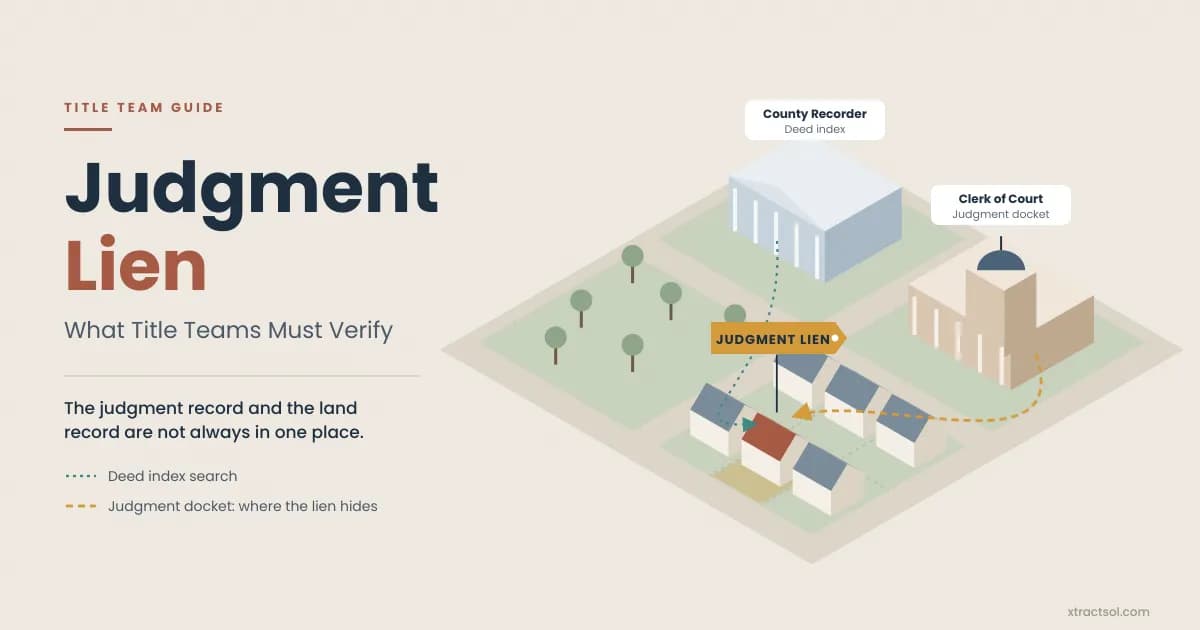
General
Judgment Lien on Real Property: A Title Team Guide
Learn how a judgment lien attaches to real property, how state recording rules and duration work, and how title teams find and resolve liens before closing.
Read more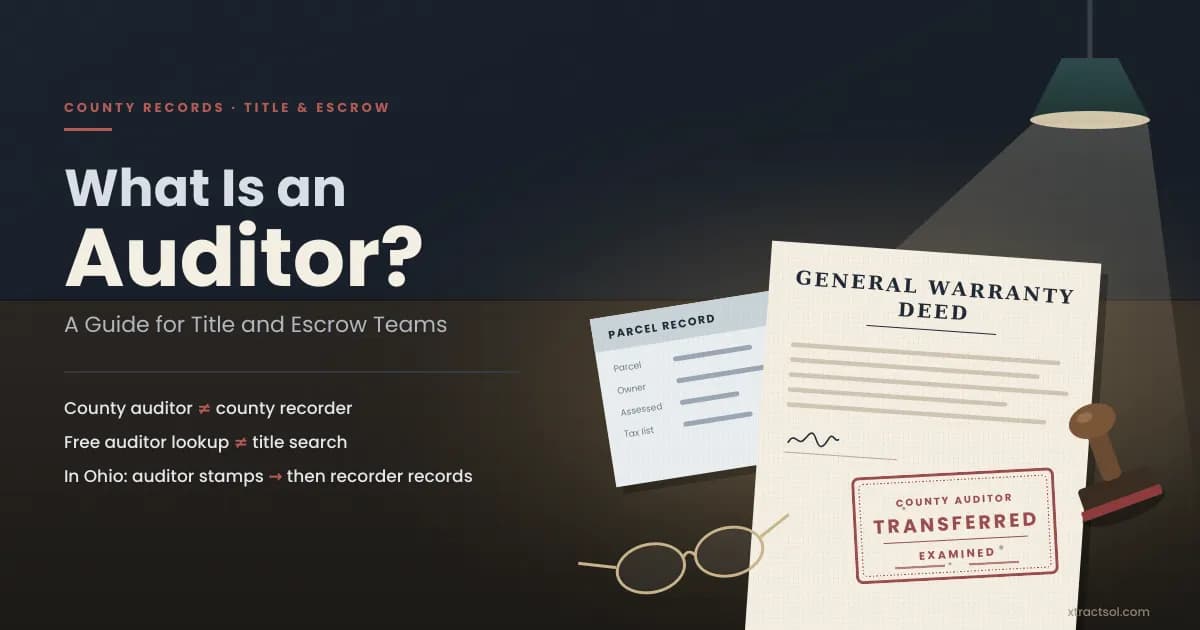
Title Search
What Is an Auditor? A Guide for Title and Escrow Teams
Learn what an auditor is in real estate, how county auditor and recorder duties vary by state and county, and which records a deed needs before recording.
Read more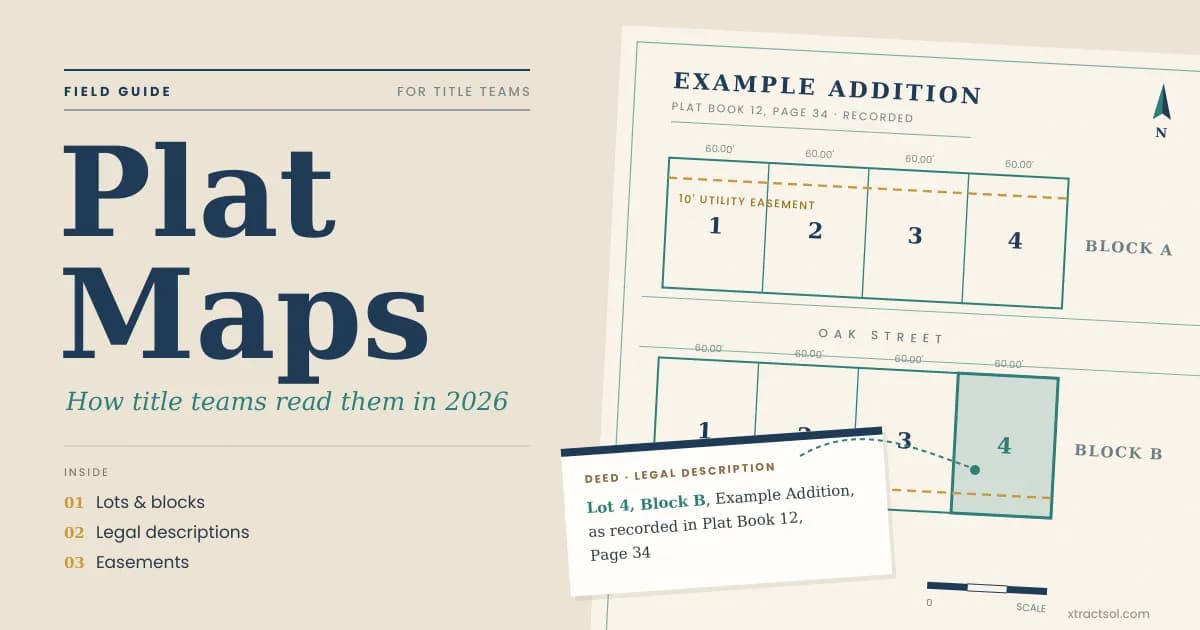
Title Search
Plat Maps Explained: A Guide for Title Teams (2026)
Learn how plat maps define lots, blocks, and easements, and how title teams use recorded plats to support more accurate property searches and commitments.
Read more
Ready to get started?
30 minutes. You walk us through how one file moves from order to closing, and we send a one-page note on the 2-3 steps worth automating first. Nothing to send us.